
Planning Integration for Knowledge Tracing: A User-Centric Guide
Opening: start from people
Planning integration starts from people who use system every day. Teachers need clear signals about what each student knows. IT needs predictable data and secure connections. Administrators want outcomes they can act on. When teams look at choices, they often compare an AI learning platform and a personalized learning platform to see which fits workflows and privacy rules. This guide shows how to translate user needs into a simple integration plan that teachers will actually use.

Map user goals and core tasks
List what each user must do with knowledge-tracing data. Teachers: view mastery at a glance, assign targeted practice, and explain progress to students. Students: receive timely, clear feedback and practice opportunities. IT: collect consistent event streams, authenticate users, and maintain data integrity. Turn those tasks into measurable acceptance criteria before choosing technology.

Decide what data matters
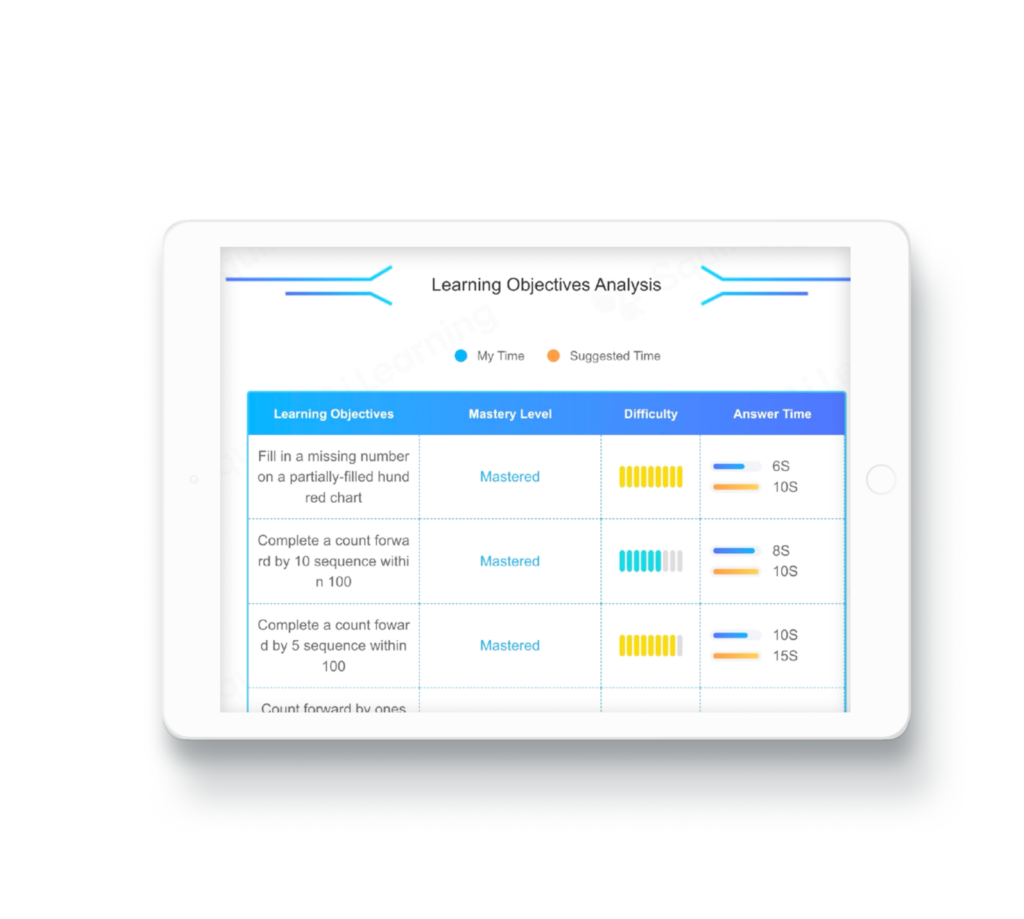
Keep data types concrete. Capture: question attempts with timestamp, correctness flag, item ID, and skill tag. Avoid collecting extra personal details that do not serve instruction. Plan how long to retain records and who can see them. Match data outputs to the dashboards teachers will use so raw logs become useful signals.
Choose integration methods that match capacity
Pick methods your team can support. Common approaches: API feeds for real-time tracing, LTI or SSO for smooth sign-in, and periodic CSV exports for simpler setups. APIs fit continuous tracing but need monitoring. LTI simplifies access control without heavy engineering. CSV works when budget or staffing is limited. Align the method with your available technical support.
Design classroom-friendly workflows
Workflows must reduce clicks. Show mastery per skill, not raw scores. Use concise color or icon cues and explain what action to take next. Make interventions specific: assign exercise set X for skill Y. Keep teacher controls prominent so staff can override or adjust automated recommendations quickly.
Train fast, keep it light
Training is not long seminars. Short, hands-on sessions that solve one immediate problem work best. Provide a one-page quick reference and a sample lesson where tracing data generates an action plan. Encourage teachers to test with a small group before full rollout so adjustments reflect real classroom flow.
Watch for common pitfalls
Do not assume a single metric tells the whole story. Avoid over-relying on item-level correctness without context. Tagging errors and inconsistent skill taxonomies create noise. Latency between student action and dashboard update causes misinterpretation. Build checks: sample audits, clear tagging rules, and alerts for data gaps.
Compare simple alternatives
Three practical paths exist: use built-in LMS analytics for basic signals; adopt a specialized adaptive engine for richer tracing; or run hybrid setup where classroom tools send selective events to a tracing service. Each path balances cost, maintenance, and instructional value. Choose the path that preserves teacher control and keeps student feedback immediate.
Final synthesis
Start small, focus on teacher tasks, and make data actionable. An integration plan that centers users reduces friction and yields clearer learning signals for everyday decisions, and platforms designed around these priorities—like Squirrel Ai—illustrate how tracing can fit into routine classroom practice without extra burden.