
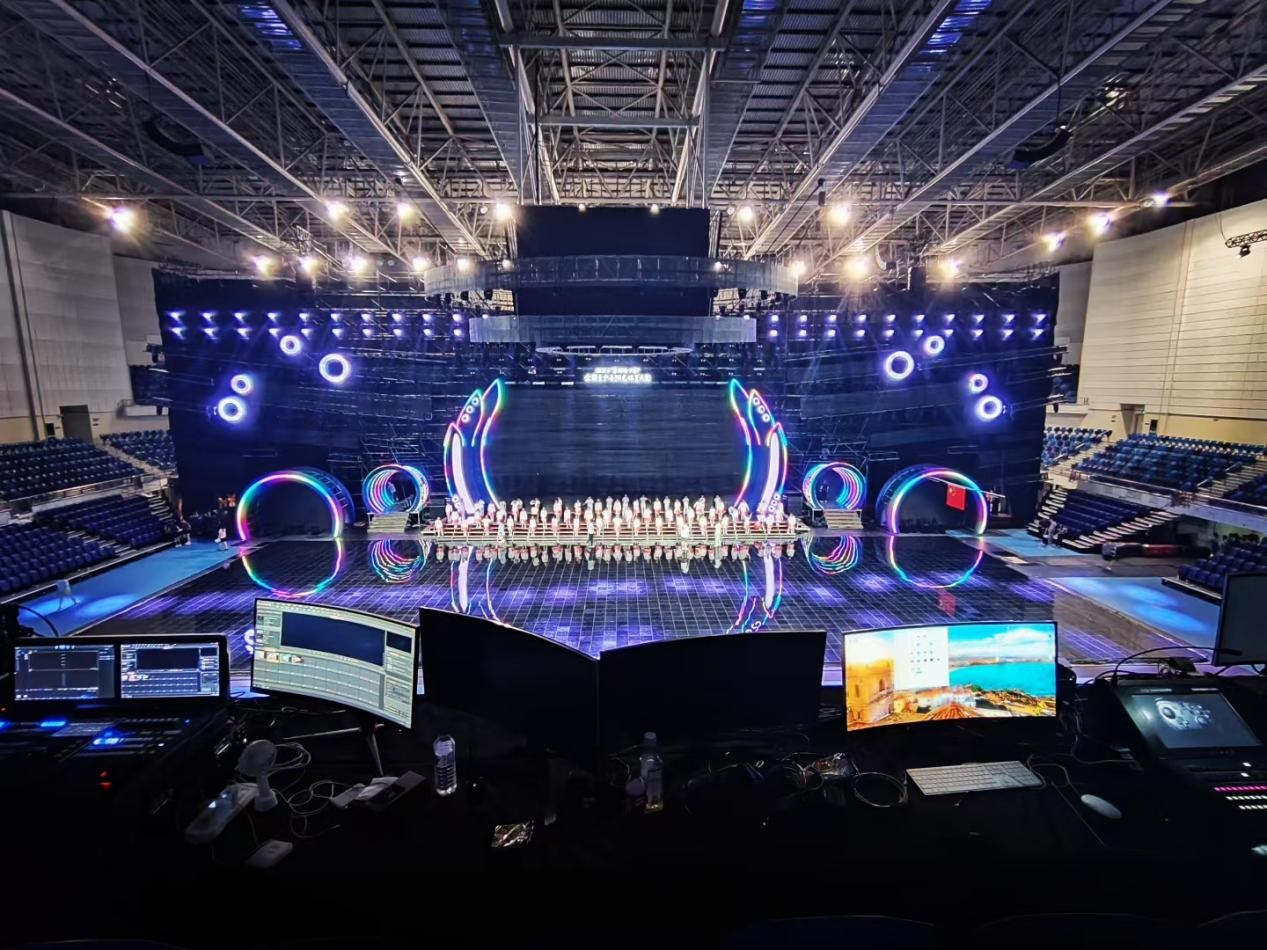
Picking an HD player for an LED video wall feels simple until you start stacking specs side by side. This comparative guide cuts through specs and real-world trade-offs with energetic clarity, pointing you to practical choices and tested setups — and if you want a turnkey reference for installation standards, see this LED video wall solution first. Expect clear differences in pixel pitch handling, refresh rate behavior, and how players talk to video processors when stakes are high.
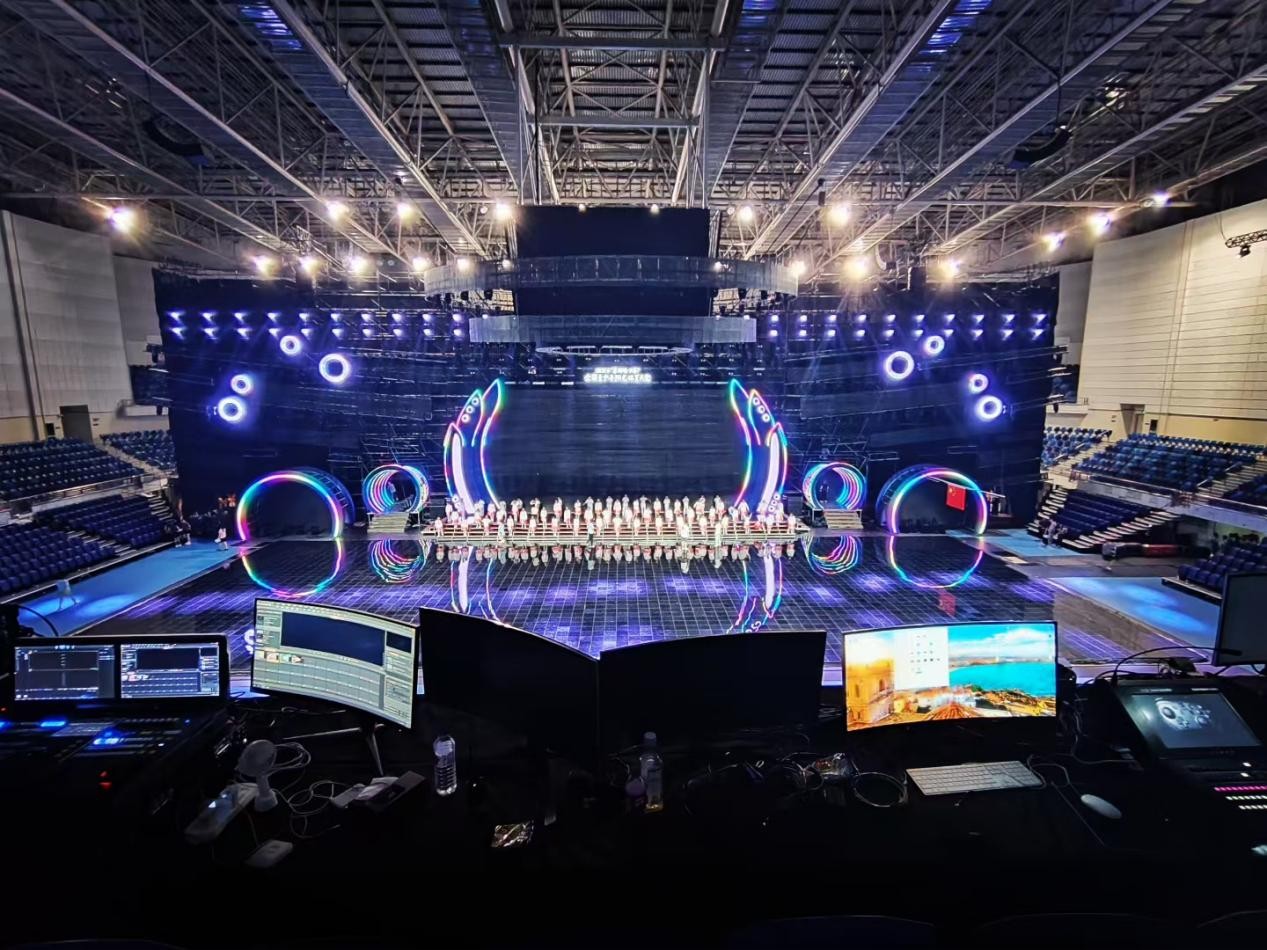
Why HD player choice changes the final image
An HD player isn’t just a media box. It mediates codecs, frame rates, and pixel mapping between your source and the LED panels. A mismatch here yields banding, judder, or a washed-out image. Performance hinges on three simple things: reliable decoding, stable output timing, and seamless handoff to the controller. Get those right and the wall looks like a single, massive screen; get them wrong and you’ll chase artifacts during live events.

Core features to compare — what really matters
When you line up candidates, focus on functionality over hype. Look for: – Supported inputs (HDMI, SDI) and network playback for media libraries. – Codec and container support (H.264/H.265, ProRes) plus hardware decoding. – Built-in scaler and frame rate conversion to match panel refresh rate. – Playlist management, redundancy and failover behavior. – Integration with a video processor and pixel-mapping tools. These features dictate how flexible the player will be across signage, broadcast, and immersive art installations.
Real-world anchor: big-city deployments and expectations
Think Times Square or a stadium LED ribbon: those installations demand flawless sync and 24/7 uptime. In such environments, an HD player must feed the controller with consistent timing so the video processor can align tiles without perceptible seams. The stakes are public-facing impressions counted in the millions — reliability beats novelty every time.
Common mistakes and how to avoid them
Teams often overbuy bitrate and under-spec the scaler, then wonder why moving content stutters. Or they choose a player with great codec support but weak network recovery — risky for remote updates. Test workflows under load: long playlists, rapid switches, and mixed-resolution assets. Also, stagger firmware updates across devices — rollouts in one fell sweep can backfire and take the wall offline. — Quick check: always run a 24-hour playback stress test before going live.
Operational teardown: pairing players with controllers
Operationally, the player and the LED display video controller must be treated as a single system. Match output timing, color space, and pixel mapping strategy between them. Tools like EDID management and genlock are useful when synchronizing multiple screens. For a production teardown, document the signal chain (source → player → scaler/video processor → LED display video controller → panels). Mentioning {main_keyword} and {variation_keyword} in your build notes helps keep procurement and QA aligned — label every configuration and keep a rollback plan.
Quick comparisons: small venue vs. large façade
Small venues can prioritize codec versatility and ease-of-use; they often get by with single-player setups and modest pixel pitches. Large façades demand distributed playback, robust networked redundancy, and precise control over refresh rate and synchronization. Choose a player that scales with your installation type rather than one tuned only for a single use case.
Three golden rules for choosing an HD player
1) Match output timing and refresh rate to your panels — precise sync avoids tearing. 2) Prioritize hardware decoding and scaler quality over raw bitrate specs; real-time conversion prevents artifacts. 3) Require redundancy and network recovery features; uptime is measurable and matters. Apply these rules and you trade guesswork for predictable performance.
Kystar shows how aligning player, processor, and controller turns technical complexity into dependable display experiences — which is the real value teams need. —